Bridge (stdio transport)
This page covers one job of the statelode-bridge command: running it as a transport
for agents that speak stdio MCP but not remote HTTP MCP yet. For the everyday commands —
setup (configure every IDE once) and init (pin a repo to a project) — see
The statelode-bridge CLI.
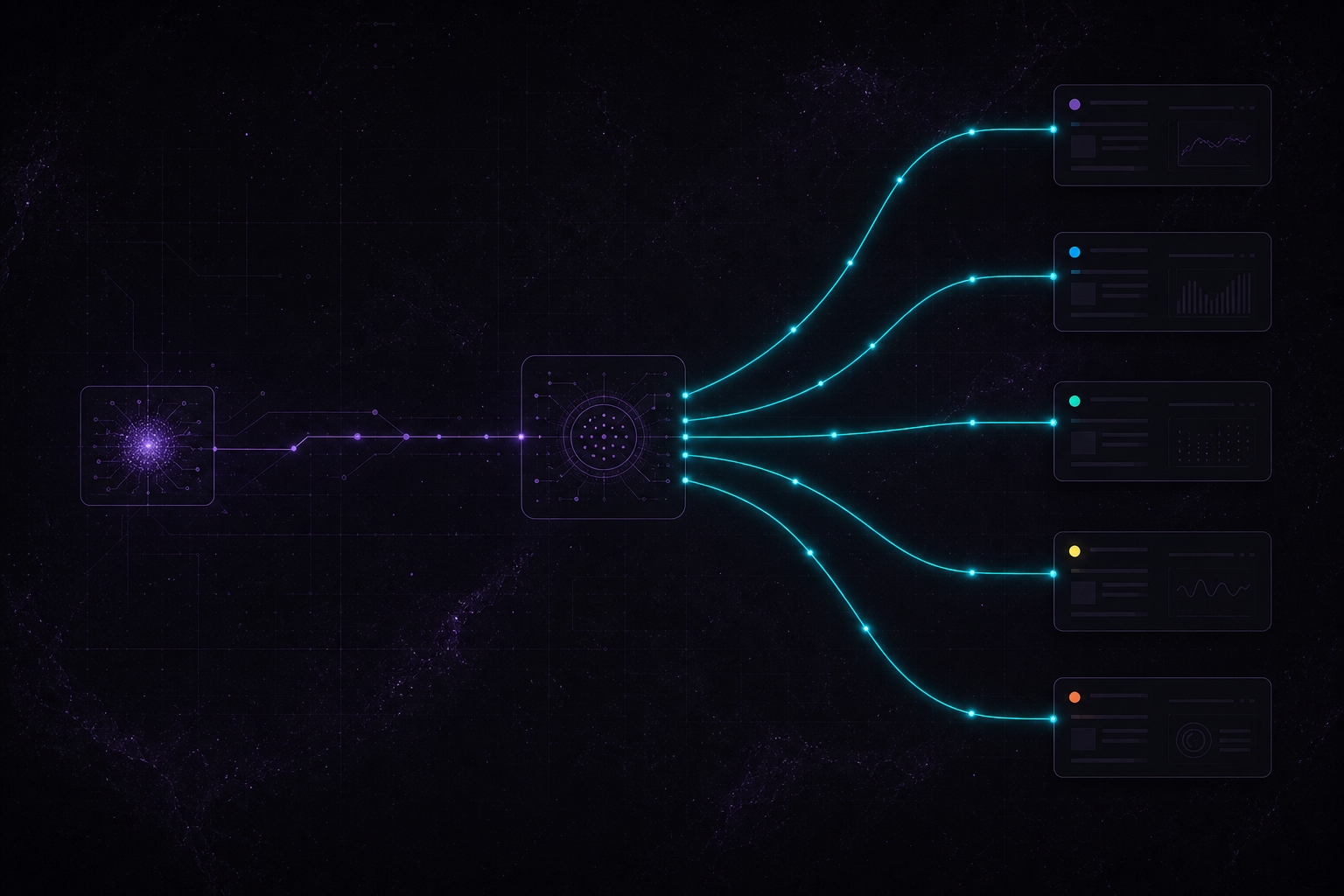
As a transport, statelode-bridge reads JSON-RPC over stdio, forwards each call to
StateLode’s hosted MCP endpoint, and streams server notifications back to the agent.
You probably don’t need this. Cursor, Claude Code, Codex, Windsurf, and Antigravity all speak remote HTTP MCP natively now — connect them straight to
https://api.statelode.dev/mcpusing their install guide. Reach for the bridge only for an older or niche client that can launch a stdio command but can’t dial a remote URL.
Install
Section titled “Install”npx statelode-bridge --token "${STATELODE_TOKEN}"Keep STATELODE_TOKEN in your shell, keychain, or IDE secret store. Do not commit the
token to .mcp.json or any other repo file, and never paste it into the agent’s chat to
have it configure MCP for you — see Token security.
If a copied command from a formatted document behaves strangely, sanitize smart punctuation before running it:
pbpaste | tr "–—" "--"When to use it
Section titled “When to use it”Use the bridge for:
- Any stdio-only MCP client that can’t dial a remote HTTP URL
- A legacy client version that predates Streamable HTTP support
- A locked-down environment where you want all MCP traffic to egress through one local process
For Cursor, Claude Code, Codex, Windsurf, and Antigravity, use native HTTP MCP instead —
connect directly to https://api.statelode.dev/mcp per their install guide.